How to Check If Registry Key Exists in PowerShell
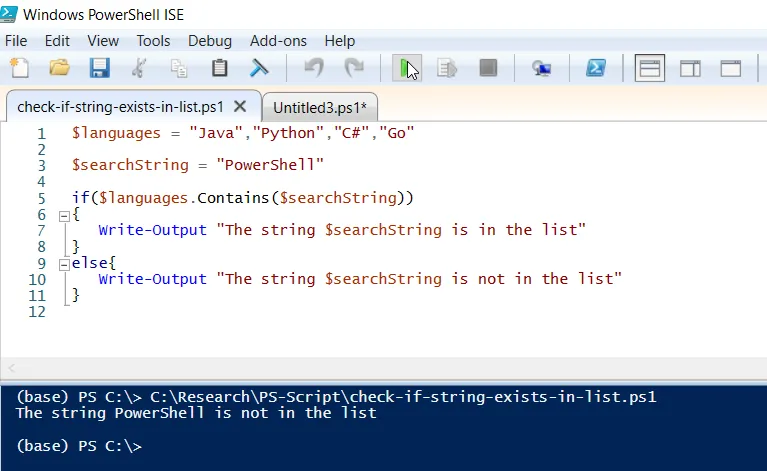
The Test-Path cmdlet in PowerShell is used to check if the registry key exists at the specified path.
The following method can be used to check if a registry key exists.
Method 1: Check if a registry key exists in PowerShell
$registryPath = "HKLM:\Software\SysApp"

if(Test-Path $registryPath) {
   # key exists
} else {
   #key does not exists
}
In this example, the Test-Path cmdlet in PowerShell checks for the registry key at the specified path $registryPath and returns True or False based on whether the key exists.
The following example shows how to use this method.
How to Check If Registry Key Exists in PowerShell
To check if a registry key exists in PowerShell, you can use the Test-Path cmdlet. This command checks if an item exists at the specified path, including the registry keys.
The following example shows how to do it with syntax.
$registryPath = "HKLM:\Software\SysApp"

if(Test-Path $registryPath){
    Write-Output "Registry key exists"
} else {
    Write-Output "Registry key doesn't exists"
}
Output:
Registry key exists
In this PowerShell script, the $registryPath variable holds the path of the registry key that you want to check for existence.
The Test-Path cmdlet in PowerShell checks if the registry key at the specified location $registryPath exists. If it exists, the Write-Output cmdlet prints “Registry key exists” to the console; otherwise, it prints “Registry key doesn’t exist”.
Conclusion
I hope the above article on checking if the registry key exists in PowerShell using the Test-Path cmdlet is helpful to you.
Related Articles
Registry Operations
- PowerShell Set Registry Value - Set registry values
- PowerShell Registry Hub - Complete registry management guide
- PowerShell Get-ItemProperty - Retrieve registry properties
- PowerShell Get-Item - Get registry objects
- PowerShell Remove Registry Value - Delete registry entries
Path Testing & Validation
- PowerShell Test-Path - Path testing cmdlet
- PowerShell Exist Patterns - File/path existence patterns
- PowerShell Validation - General validation patterns
Control Flow & Conditionals
- PowerShell If-Else Statement - Conditional logic
- PowerShell Switch Statement - Switch-based logic
- PowerShell Try-Catch - Error handling
- PowerShell For Loops - Iteration patterns
- PowerShell While Loops - Conditional loops
Data Filtering & Selection
- PowerShell Where-Object - Filter registry data
- PowerShell Select-Object - Select properties
- PowerShell ForEach-Object - Process items
- PowerShell Get-ChildItem - List registry items
Variables & Storage
- PowerShell Variables - Store registry paths
- PowerShell Arrays - Work with registry arrays
- PowerShell Hashtables - Store registry configs
- PowerShell Strings - String manipulation for paths
Output & Reporting
- PowerShell Output to File - Export results
- PowerShell Export CSV - Export registry audit
- PowerShell Format Table - Display results
- PowerShell Write-Output - Display messages
Bulk Operations & Automation
- PowerShell Functions - Create reusable functions
- PowerShell Import CSV - Bulk import checks
- PowerShell Measure-Object - Calculate statistics
System Administration
- PowerShell Get-Process - Check process registry
- PowerShell Get-Service - Service registry data
- PowerShell Scope - Registry scope management
- PowerShell Environment Variables - Related registry areas
Add-Member & Object Extension
- PowerShell Add-Member - Add custom properties
- PowerShell Custom Objects - Create objects for results
File System Operations
- PowerShell List Files - Similar path operations
- PowerShell Get File Properties - Similar metadata operations
- PowerShell Get-Content - Read file/registry data
Comparison & Logic
- PowerShell Compare Operations - Compare registry states
- PowerShell Boolean Logic - True/False operations
- PowerShell Operators - Comparison operators
Comprehensive Guides
- Complete PowerShell Guide - Full PowerShell reference
- Complete PowerShell Tutorial - Comprehensive course
- Active Directory Guide - AD registry operations